Claiming back my focus
Bookmarking is the new /dev/null. It doesn’t need to be this way.
If you feel you’ve lost focus and it’s been harder for you to read anything of substance, you are not alone.
Today, I’m claiming back my focus. Come along for the ride.
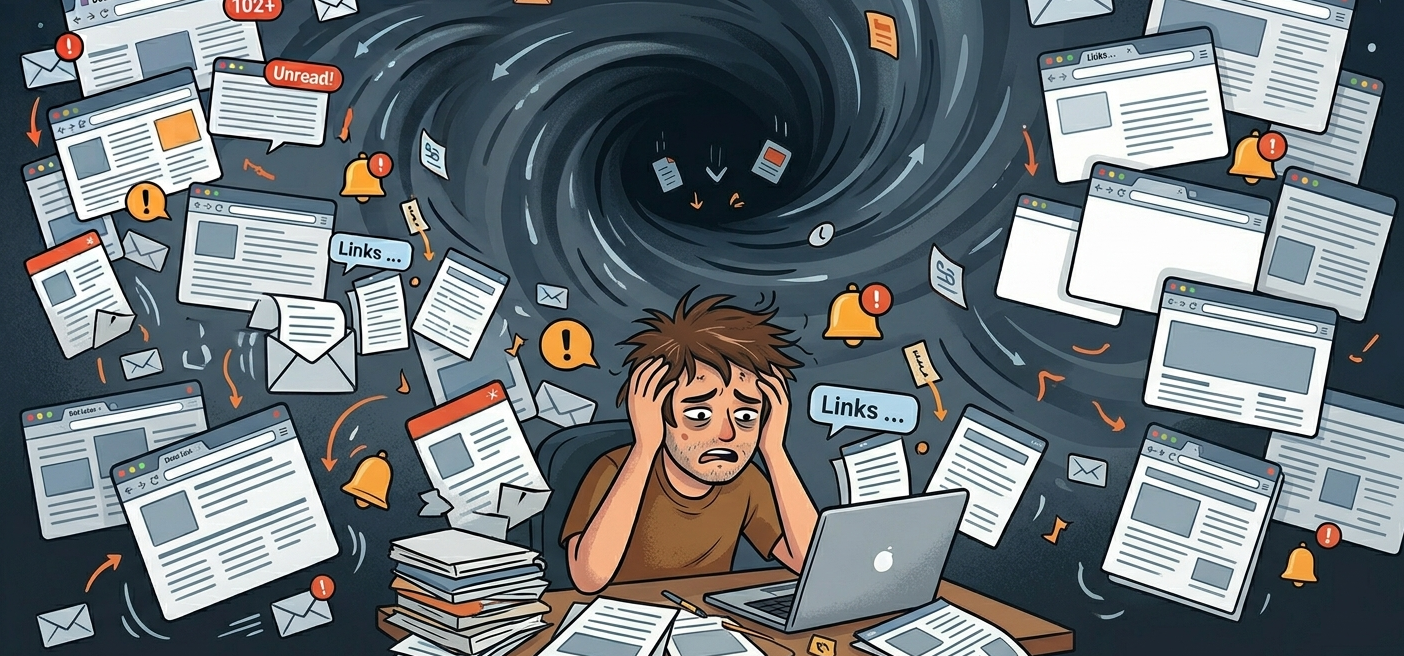
As you scroll through your day, you will keep finding interesting reads you’d like to go back to. You know you won’t. It’s just been made too difficult for us. Millions of engineer hours have been spent so that you can’t: as you keep scrolling and clicking and watching and commenting you are making them money. But not when you are reading a book (bear with me, “just read books” is not my proposal).
The only moment I can read is in bed, before sleep. The only device my Kindle. If I manage to turn off my phone and get my Kindle, I can read. The problem is I have books in it, and books are long. What’s more, they are just not suitable to catch up with the world, be it AI or geopolitics. I just want to get to the things we’ve seen during the day.
Through the years I have used Instapaper on and off to send myself those “read later” to my Kindle. It worked nicely. Instapaper provides a personal bookmarklet, which you can add to your Chrome bookmark bar. Every time you find an article, you hit the bookmark which automagically records the URL. Once a day it will collect all your saved URLs, produce an ebook with it, and send it to your Kindle.
My first inclination for my renewed focus goals was to take on the habit again. However, this service is not free anymore. At $6/month is reasonably priced, but I am a builder at heart and there were a few features I was missing, most notably RSS subscriptions. I’d like subscribe to blogs and every time there is an article be added automatically, as if I had bookmarked it myself. I even requested API access to implement it, but it was pre-LLM and I never finished it. On top of that, I have a pet peeve for “free”. If you are not a nerd, just use Instapaper and be happy, I recommend it (some caveats later).
Implementation
I began planning how to deploy such a service in my server when I realized I was thinking old school, this is a natural fit for serverless. It’s a low-volume personal project covered by free tiers, that’s a plus. Claude and I started discussing if I should use modal.com, Supabase, Cloudflare workers, etc. The chosen solution wasn’t on my bingo card.
Enter the unexpected solution: Github. How can GitHub even help here? Two words: Issues and Actions.
The flow is as follows: I have a bookmarklet, just like Instapaper does, that creates a GitHub issue with the url I want to read and adds a specific label (“article”).
Note about security: the bookmarklet has to be able to create an issue in your project, but I don’t want to be forced to be logged into GitHub to use it, it’s brittle. I have created a fine-grained GitHub token that can only create issues in that one repository. Even in the unlikely event that my bookmark was compromised and my personal token was leaked, the blast radius is very small.
GitHub supports triggering a workflow whenever such an issue is labeled as “article”, which the bookmarklet does for you: it will run the code to download it, clean it up and prepare an epub for that URL only.
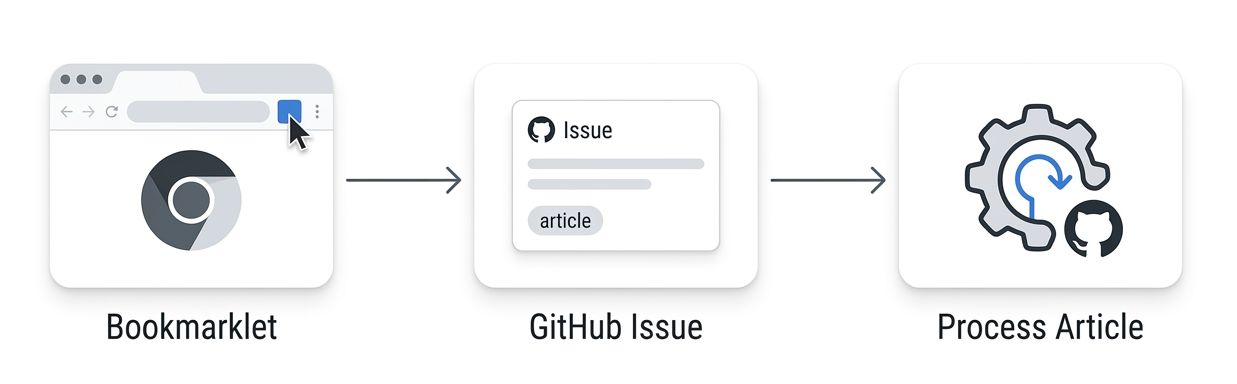
RSS handling is trivial in this framework. All feeds will be fetched periodically through an Action. For each new page, it will file a new Issue and label it as “article” so that it gets processed.
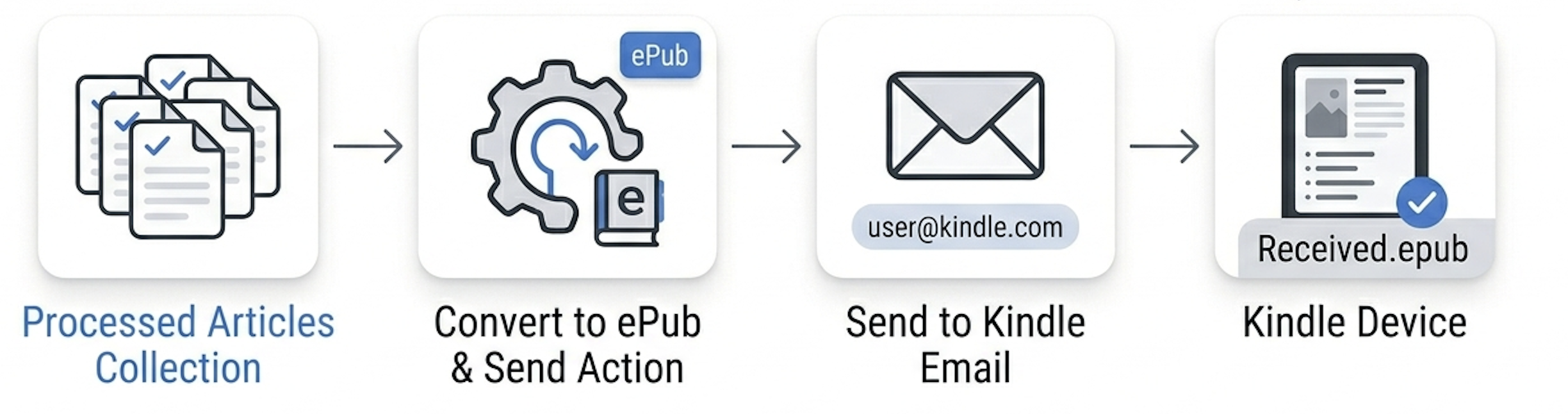
At 9 PM every day (or upon request), it will collect all the documents processed in the last 24 hours and produce a document to send to your Kindle, fully automated.
Sending to the Kindle is done for you, but let me explain how it works under the covers. There’s a reason I keep saying Kindle instead of just “e-book reader”. Amazon provides an email address for every Kindle device. It looks like {amazon_username}_{a few characters}@kindle.com you can find it in your Amazon account. You can send it a document, and it will just show up in your Kindle. Claude will guidde you through creating a dedicated Gmail password so that the action can send the email.
Another Instapaper hassle I wanted to solve is that it needs maintenance. Documents don’t expire, you need to manually archive the URLs you have read. You’ll keep getting them over and over, cluttering your Kindle with a file every day that you will also need to delete. This is why I kept abandoning it. It felt like a chore, at least I’ve solved one of the two problems.
Every day you will only get the new bookmarks of that day. You don’t need to archive anything, it’s auto-archived de-facto. To solve the problem of Kindle files that you need to keep deleting, I wanted to use “periodicals”. In Kindle speak, periodicals are publications that come out on a recurring schedule, like newspapers and magazines. The nice thing is that old issues are auto-removed, solving the on-device clutter issue. This is unfortunately not possible, as they were only supported in mobi format (no longer an option via email). I hear that even support for proper published magazines is on life support, as it never had traction.
A final word
The truth is it’s been a pain to set up and have it working really well. GitHub Actions are very finicky and getting the messy HTML into a really good epub is full of traps. But now it’s working as I had imagined and it’s being very helpful.
As a future direction, I’m considering to have the bookmarklet send the full DOM. Thus we can circumvent pages that resist being pulled from the backend such as Substack and pages behind a paywall.
Even with this system, you need to come to terms that you can’t read everything you ever wanted to read. If you haven’t caught up in days, probably it was for a reason. It’s ok to let go.